
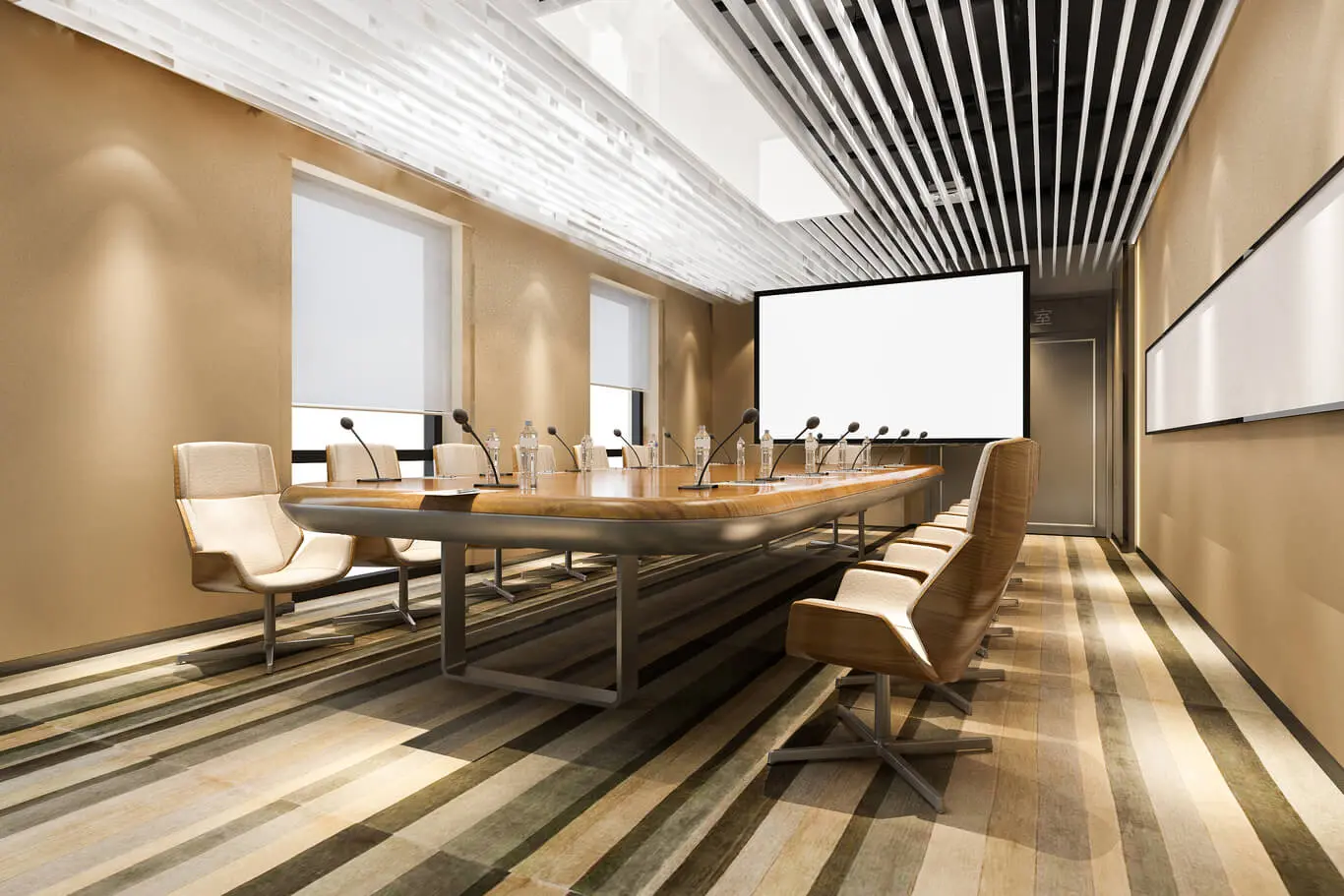
As workspaces evolve, businesses are finding wireless conference hardware solutions to be essential for creating flexible and dynamic meeting environments. Gone are the days of tripping over tangled wires or being confined to a single meeting location. Today’s technology allows us to set up sleek, efficient, and highly functional meeting spaces with ease.
Understanding the Essential Components of Conference Hardware Solutions
To set up an effective and seamless wireless conference environment, it’s crucial to understand the key components that constitute a comprehensive solution. Let’s dive into each of these components and explore how they contribute to a successful meeting setup.
Camera
Every good video conferencing setup starts with a quality camera. Investing in a high-definition (HD) or even a 4K camera ensures that your team appears sharp and clear on screen. For larger rooms, consider a camera with a wide field of view or even 360-degree capabilities to make sure all participants are visible. Some modern cameras also offer AI-powered features like automatic speaker tracking and smart zooming to bring the focus to the person speaking, enhancing the meeting experience significantly.
Microphone
Audio clarity is just as important as video. No one wants to spend half a meeting asking if others can hear them. A multi-microphone array can ensure that everyone’s voice is captured clearly. Features like noise suppression and directional voice capture help to eliminate background noise, making sure the focus remains on the conversation. For added convenience, consider tabletop microphones with mute buttons for easy audio control during meetings.
Speakers
High-quality speakers are pivotal to ensure everyone can hear and be heard. Look for full-range speakers that can fill the room with clear and crisp sound. Noise-cancelling technology is also a bonus, as it blocks out environmental distractions and focuses the audio on the ongoing conversations.
Display
Choosing the right display is crucial for effective visual communication. High-resolution displays that fit your room size are preferred, offering excellent visibility for all participants. Compatibility with your video conferencing platform is essential, and features such as RS232 compatibility and on/off timers can come in handy for professional environments.
Video Conferencing System
The backbone of your setup, the video conferencing system, ties everything together. Whether you opt for a dedicated appliance like the Poly G7500 or a configured micro PC ready for platforms like Zoom or Teams, compatibility is key for smooth operation.
Exploring All-in-One Video Conferencing Solutions
If you’re looking for simplicity and ease of setup, consider an All-in-One (AIO) video conferencing solution. These integrate the camera, microphone, and speakers into a single, cohesive unit.
Integrated Devices and Ease of Use
An AIO system is generally more cost-effective and easy to install compared to separate components. These systems offer plug-and-play connectivity, meaning you can start a meeting with minimal fuss. They’re perfect for anyone who may not be tech-savvy but still needs reliable video conferencing capabilities.
Room-Specific Solutions: Tailoring Your Setup
Different rooms have different needs, and your conference hardware solution should reflect that. Here’s how to tailor your setup to specific environments:
Huddle Rooms
Huddle rooms are great for informal, quick meetings. A compact AIO device, such as the Logitech Rally Bar Huddle, is perfect for these scenarios, offering all the necessary components in a minimalist setup.
Small and Medium Conference Rooms
For small to medium-sized spaces, integrated devices like Neat systems can offer robust audio-visual capabilities, catering well to these slightly larger environments.
Boardrooms
Larger and more formal, boardrooms require a more comprehensive hardware setup. This typically involves separate cameras, microphones, and speakers, all working in harmony. Consider adding wireless content sharing technology like Barco Clickshare to enhance collaboration.
Additional Considerations for Your Wireless Conference Setup
Beyond choosing the right equipment, there are several other factors to consider when integrating conference hardware solutions.
Video Conferencing Platform Compatibility
Compatibility with your video conferencing platform ensures a seamless transition from physical to virtual meetings. Always verify that your chosen hardware is certified for your specific platform to avoid potential hiccups.
Budget
Everyone’s working with a budget. Larger rooms or specific tech requirements might raise the cost, so it’s worth consulting with experts to design a solution that meets both your financial and functional needs.
Ease of Use and Advanced Features
Opt for user-friendly solutions with intuitive plug-and-play capabilities to reduce setup time and technical issues. Devices with advanced features, such as AI processing for noise removal and virtual backgrounds, can further enhance the meeting experience.
Steps to Set Up Your Conference Hardware
Getting started with your wireless conference solution involves a few key steps. Here’s a brief guide to get you underway:
- Assess Your Room: Begin by understanding the size and layout of your meeting space to select appropriate equipment.
- Choose Your Components: Select the camera, microphone, speakers, and display that best fit your needs.
- Consider AIO Solutions: If simplicity is a priority, an all-in-one device could be ideal.
- Ensure Compatibility: Confirm that your equipment works seamlessly with your preferred video conferencing software.
- Install and Test: Follow installation instructions carefully and conduct thorough testing to ensure everything is functioning as intended.
Optimising the Meeting Experience
Improving the overall meeting experience goes beyond just having great hardware. Consider these extras:
Unified Management
Systems offering unified cloud management allow for monitoring and diagnostics, making maintenance a breeze.
Touch Controls and Voice-Enabled Experiences
Simple touch controls and voice-enabled features can streamline meeting management, enabling participants to join calls, share content, and control settings effortlessly.
Conclusion
Integrating wireless conference hardware solutions can drastically enhance the flexibility and efficiency of your workspace. By carefully selecting high-quality equipment—whether all-in-one systems or specific components—and ensuring they meet your space’s specific needs and video conferencing platform, you’ll create an environment conducive to effective communication and collaboration. At the heart of these setups is a seamless meeting experience that drives productivity and engagement. Make sure to assess your unique requirements and consult experts if needed, and you’ll be well on your way to optimising your workspace for the future.