
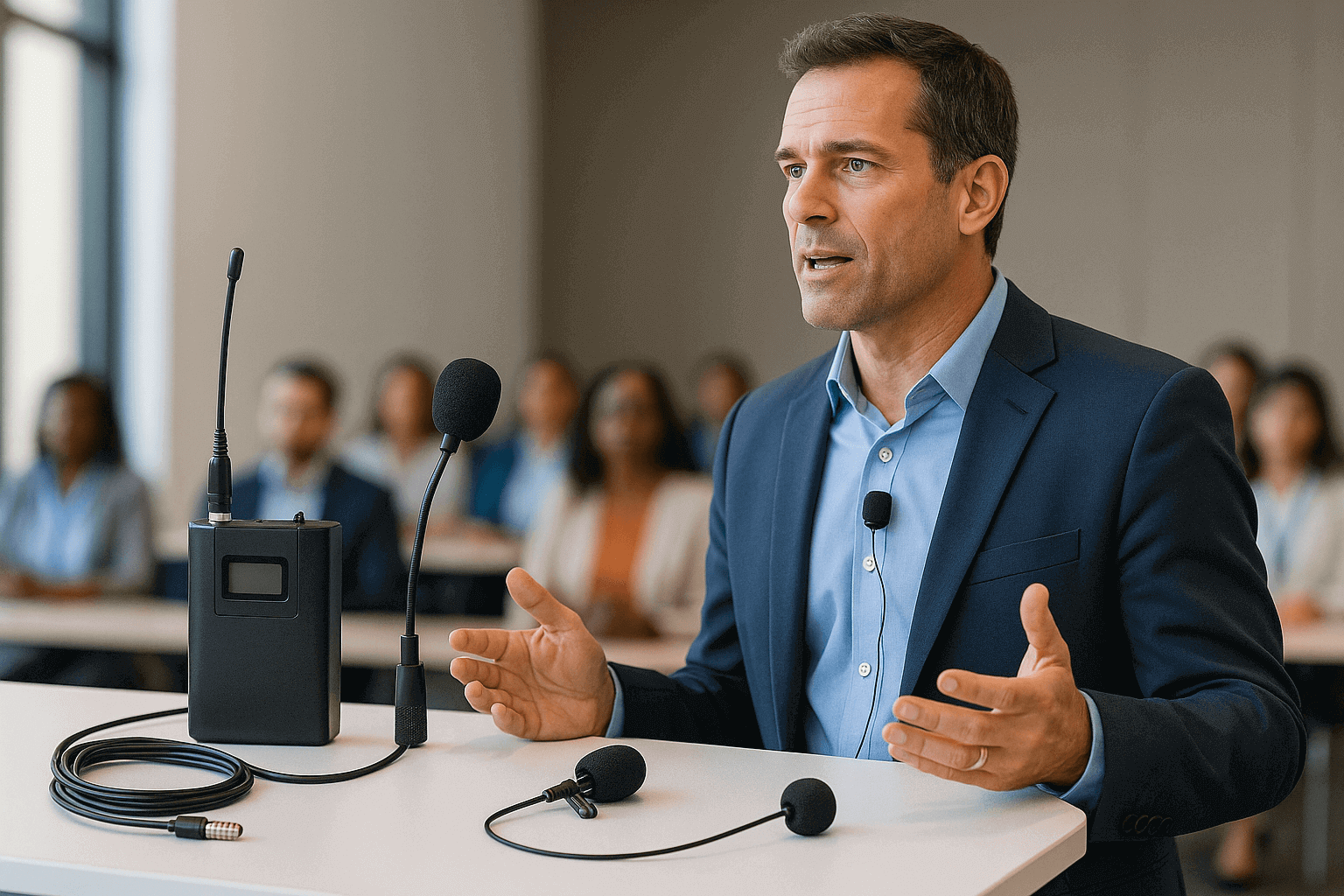
Hello, mate! If you’re organising a conference and trying to figure out whether wired or wireless lapel microphones suit your needs best, you’ve come to the right place. I’m here to break down the pros and cons of each, ensuring you get the best setup for crystal-clear sound and seamless presentation. Let’s dive into the world of lapel, or lavalier microphones, as they’re sometimes known, with an Aussie twist – practical, straightforward, and without a hint of drama.
Why Use Lapel Microphones for Conferences?
Lapel microphones are perfect for conferences because they allow hands-free operation, essential when you’ve got a dynamic presenter who talks with his hands or needs to navigate a slideshow. These mics are typically discreet and easily clipped to clothing, so they don’t steal the spotlight from the actual message.
Not to mention, they’re compact and lightweight, making transport and setup a breeze. Most importantly, they capture high-quality audio, crucial for maintaining engagement and clarity, even in a packed room.
Wired Conference Lapel Microphones
The Upside of Wired Microphones
Wired lapel microphones are the trusty workhorses of the microphone world. They connect directly to a sound system or recording device without the need for batteries. This means you’ll never worry about running out of charge in the middle of a captivating presentation.
They boast reliable sound quality and aren’t prone to interference that can sometimes plague wireless systems. For those on a mission to avoid any potential tech mishaps, wired can seem like the safer bet.
The Downside of Wired Microphones
But let’s be real – being attached by a cable can be restrictive. If your presenter likes to move around or work the room, a wired setup might feel a bit like having a dog on a lead at the beach. There’s also the potential for trip hazards if cables aren’t managed carefully.
Wireless Conference Lapel Microphones
The Perks of Wireless Microphones
Wireless lapel microphones, on the other hand, offer the remarkable freedom to roam. Whether you’re presenting from the stage or weaving through a crowd, you’ve got the liberty to move. This can enhance engagement, as speakers aren’t tethered to one spot.
These systems transmit audio wirelessly to a receiver using radio frequencies, making movement fluid and unfettered. For dynamic presentations, this flexibility is a game-changer.
The Challenges of Wireless Microphones
That said, it’s not all smooth sailing. Wireless mics depend on batteries, so timely recharging is essential to avoid them dying mid-sentence. Plus, they can occasionally pick up interference from other electronic devices. A bit of pre-event testing and monitoring can help mitigate these issues but keeping a wired backup handy isn’t a bad idea.
Factors to Consider When Choosing
Event Environment and Mobility
Consider your event’s environment and the required speaker mobility. If your keynote speaker is likely to pace like a caged tiger, or if your venue is expansive, a wireless system may be your best friend. For speaking engagements where the presenter stays relatively stationary, good old wired might suffice.
Audio Quality and Reliability
Both types can deliver clear, high-quality sound if set up properly. However, evaluate the reliability of your decision – do you want to eliminate battery concerns or potential interference from nearby wireless devices?
Setup and Complexity
Wired setups are straightforward with fewer moving parts – basically plug and play. Wireless systems offer enhanced flexibility but require a bit of fine-tuning to ensure optimal frequency selection, particularly in tech-heavy environments.
Optimising Lapel Microphone Use
Proper Placement
Regardless of choice, proper microphone placement is crucial. Attach your lapel mic 6-8 inches below the speaker’s mouth, clipping it securely to avoid unwanted noise from clothes rustling.
Testing and Monitoring
Before kicking things off, test all equipment diligently. A quick sound check can save you from awkward mid-presentation tech fixes. During the event, keep a vigilant eye on levels and be ready to adjust as necessary.
Final Thoughts on Conference Lapel Microphones
The decision between wired and wireless lapel microphones essentially boils down to your event’s unique requirements. By weighing up the mobility needs against reliability and sound quality preferences, you’ll land on the best choice to ensure your conference runs without a hitch.
Ultimately, whatever system you go for, a well-prepared audio setup will contribute significantly to the success of your event, keeping your audience engaged and your speakers heard, loud and clear.
Cheers to making your next conference sound absolutely bonza!