
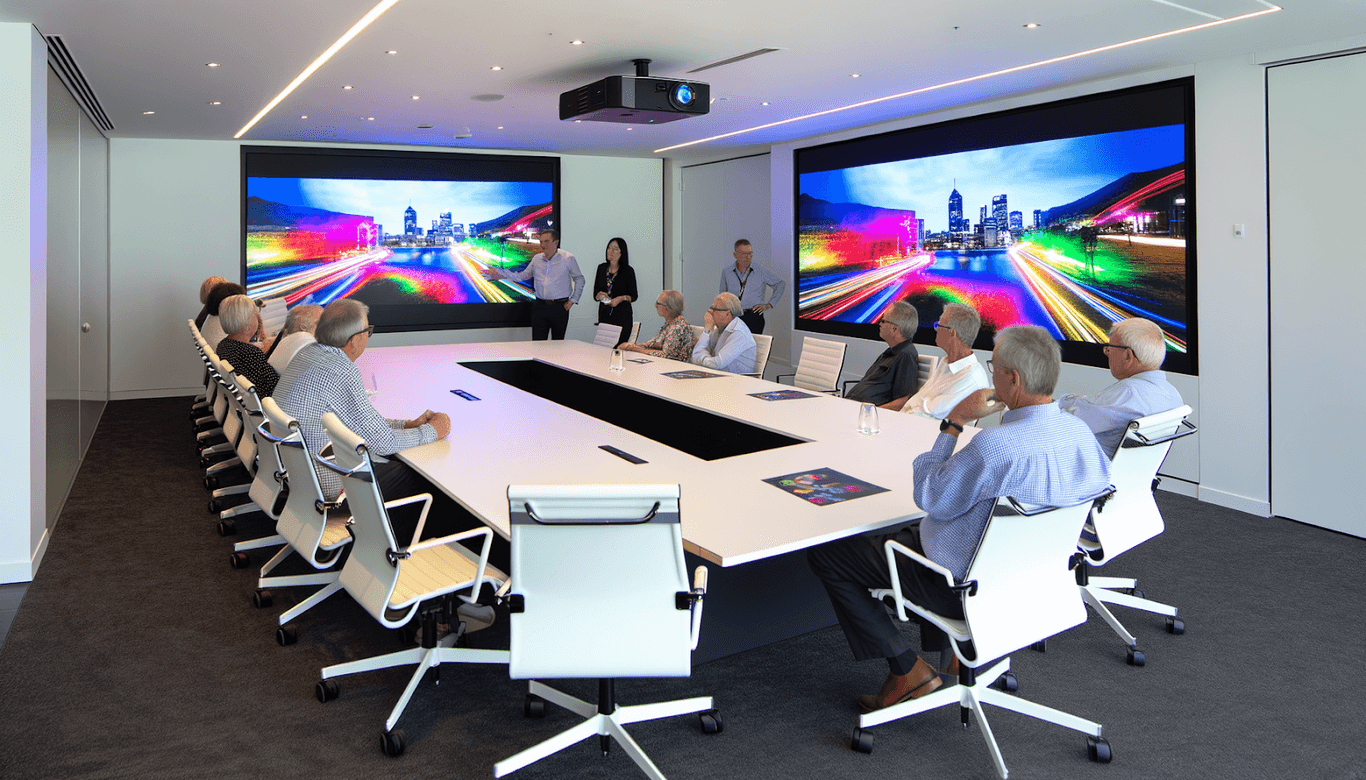
G’day, mates! If you’re planning a conference and want it to go off without a hitch, nailing the right conference projector is a must. With the rapid advancements in technology, conference projectors have evolved, offering a range between LED and laser options. However, choosing between LED and laser projectors isn’t always straightforward—it requires some thought and understanding. In this article, we’re diving into the specifics to help you make an informed choice.
Understanding LED and Laser Projector Technology
Before we get into the nitty-gritty, it’s important to grasp the basic tech behind these projectors. LED projectors use Light-Emitting Diodes to throw light and images. They are known for their energy efficiency, vibrant colour spectrum, and long-lasting light sources. Laser projectors, on the other hand, employ laser light for projection, offering extreme brightness and clarity, often making them ideal for large conference spaces with lots of ambient light.
The Key Factors to Consider
1. Brightness and Room Size
The brightness of the projector you need depends heavily on the size of your conference room and its lighting conditions. Laser projectors usually offer higher brightness levels compared to LED ones, making them more suitable for larger rooms or spaces with high ambient light. If you’re working with a more intimate setting, an LED projector might do just fine.
Recommended Brightness Levels:
- Small Rooms: Opt for short-throw projectors that can create large images from short distances. These can often be LED projectors due to their compact nature.
- Medium Rooms: Standard-throw projectors with at least 3,500 lumens work well. Either LED or laser can be considered here depending on your needs and preferences.
- Large Rooms: A high-brightness projector with over 4,000 lumens is essential to ensure the presentation is visible to all attendees. Laser projectors are often recommended for this environment due to their superior brightness capabilities.
2. Colour Accuracy
For presentations where visuals are paramount, colour accuracy is crucial. LED projectors tend to provide excellent colour saturation and vibrancy, which is ideal for detailed graphics or artistic presentations. Lasers, while fantastic for their brightness, can sometimes wash out colours if not appropriately calibrated.
3. Lifespan and Maintenance
When you’re picking conference projectors, consider the long-term costs associated with maintenance. Both LED and laser projectors boast impressive lifespans. Laser projectors can last up to 20,000 hours and sometimes longer without any degradation in brightness or colour. LED projectors also offer longevity, with minimal maintenance thanks to their solid-state light sources.
4. Energy Efficiency
In terms of energy consumption, LED projectors often take the cake. They use less power, generate minimal heat, and are generally quieter. For a sustained conference environment, this can mean lower electricity bills and a more eco-friendly choice. Lasers, while consuming slightly more power, make up for it with their better performance in brightness-demanding environments.
Installation and Setup Recommendations
Proper Placement
The setup of your projector plays a big role in its effectiveness. For larger rooms, ceiling-mounted projectors prevent clutter and ensure every audience member has a clear view. In smaller settings, portable or table-mounted solutions offer flexibility.
Screen Considerations
Choices in projection surfaces can alter the performance of your projector. Dedicated projection screens, with their reflective properties, provide the best results. Alternatively, a flat, white wall can suffice set up properly.
Optimising Projector Settings for Best Use
Adjusting for Lighting Conditions
Regardless of your choice between LED and laser, optimising the projector’s settings to match your room’s lighting is important. Adjust the brightness to keep visuals clear in well-lit environments, and tweak the contrast to ensure all details are visible.
Ensuring Sound Quality
Pair your visuals with crisp audio. While some projectors come with built-in speakers, connecting to an external sound system often enhances the overall conference experience.
Practical Considerations for Conference Projectors
Picking between LED and laser isn’t just about the specs; it’s about practical considerations for your specific use case. Whether it’s intricate visuals or ensuring that someone seated at the back of a large room can hear your presentation crystal clear, select a projector that complements your goals.
Connectivity Matters
Today’s tech-savvy conference rooms demand versatility in connectivity. Ensure compatibility with modern presentation and conferencing tools via HDMI, USB-C, and wireless adapters.
Types and Preferences
Your projector needs can shift based on your audience and presentation type:
- Text-Heavy Content: An HD (1080p) projector should suffice, ideally an LED projector for energy savings.
- Visual-Heavy Content: A 4K Ultra HD projector provides the detail and clarity necessary, often laser projectors shine here with their superior resolution capabilities.
Conclusion
The choice between LED and laser projectors for your conference isn’t black and white; it’s about what suits your environment and presentation style best. Weighing factors like brightness, colour accuracy, energy efficiency, and lifespan will guide you toward the perfect conference projector for your needs. Remember, good preparation leads to an engaging and memorable conference experience. Here’s to a successful presentation!